

PathSolutions VoIP Monitor
Forget the Guesswork – Get to the Bottom of VoIP Call Quality Problems. Now.
As a network administrator, you know that problems with VoIP systems occur within weeks – sometimes, within days -- of installation. Users report phone quality problems that include echo, garbled conversations, and dropped calls. That's no surprise. VoIP systems stress your existing network in new and unpredictable ways. Jitter, latency, and packet loss don't matter when you're sending email or moving files around.
It is the real-time, performance-critical nature of VoIP systems that bring undiagnosed network problems to the surface – problems that represent the unseen potential for unpredictable call quality problems and service outages.
Now there is a tool that helps you avoid and eliminate the network problems that degrade VoIP system performance. PathSolutions VoIP Monitor provides capabilities no other product can give you. Not only does it provide detailed IP telephony-related statistics such as latency, jitter, packet loss and MOS score, but it actually analyzes the call path between VoIP phones in real time, determining not only that a problem exists, but telling you precisely where the problem is and what's causing it.
There are a few tools on the market that claim to help you manage your network to support VoIP, but only PathSolutions VoIP Monitor gives you the information that you need to find and resolve network problems before VoIP problems occur.
PathSolutions VoIP Monitor
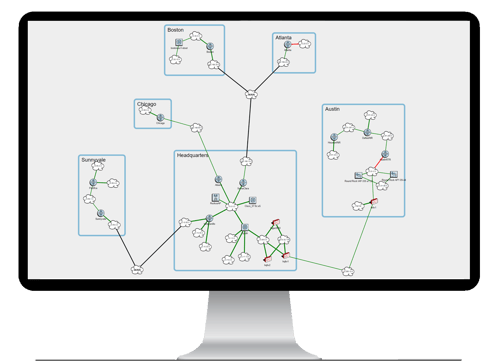
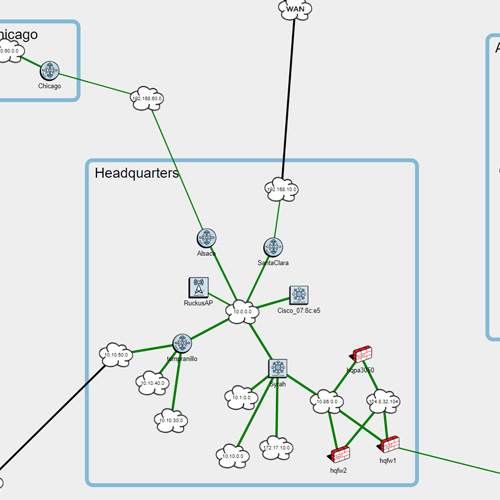
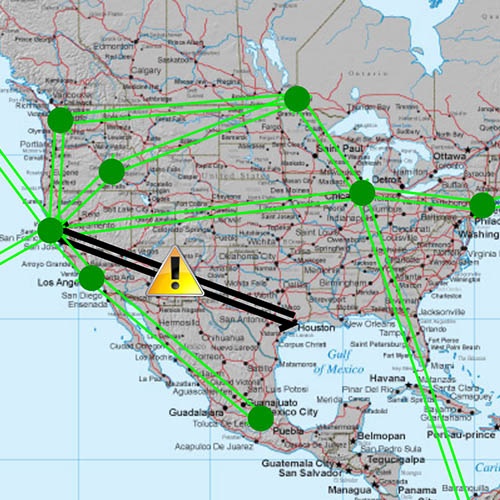
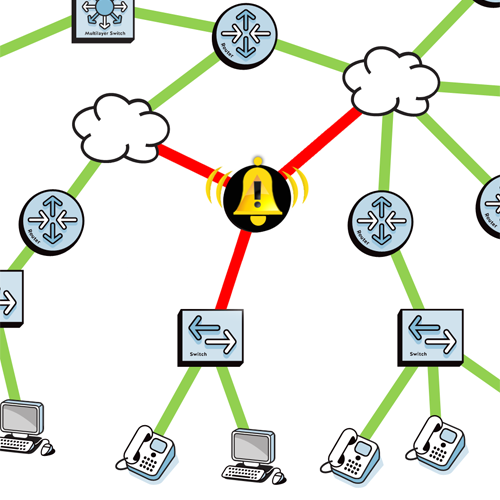
PathSolutions VoIP Monitor gives you a new pair of eyes that enable you to see through the network cloud and pin down the degradation issues that cause VoIP problems. In a single, easy-to-use interface, you get:
- An inventory of connected phones with port-specific status information.
- The ability to analyze the call path between two phones.
- The ability to see real-time utilization for every link in a call path.
- Hard data on jitter, latency, packet loss, and Mean Opinion Score (MOS) for every monitored device.
And because you also get the analytical power of our standard Network Monitor product, you'll be able to isolate and repair the root problem faster than with any other VoIP tool now on the market.
PathSolutions VoIP Monitor Feature Details
Phones Inventory
Launch Interactive Demo
Phones Inventory
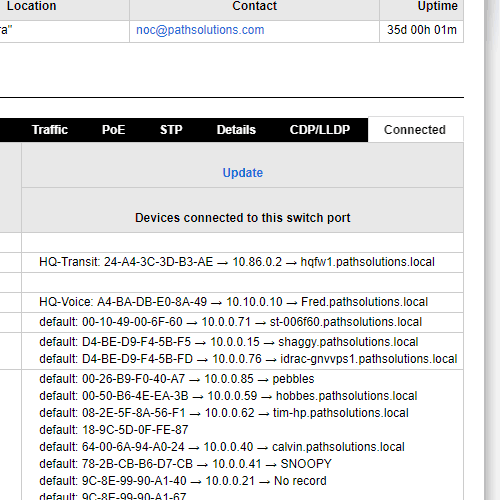
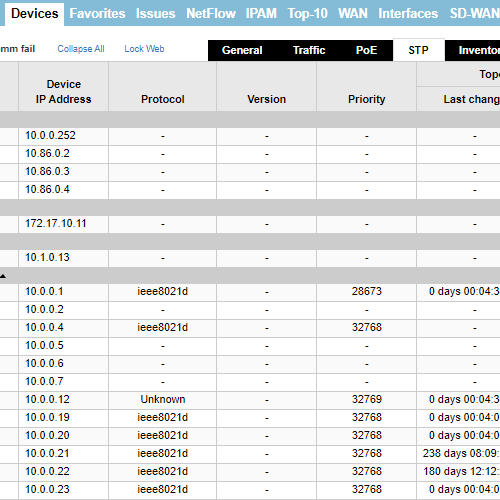
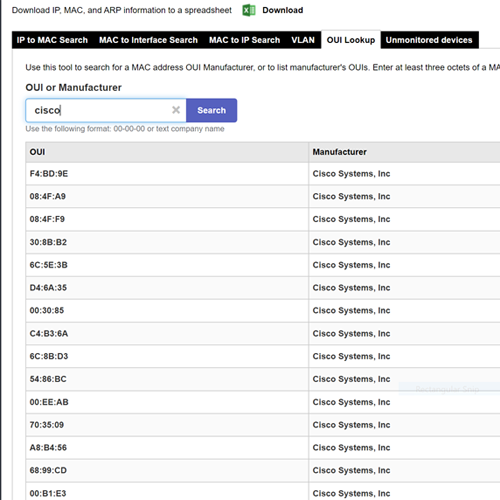
One of the biggest headaches for growing VoIP systems is tracking the addition and location of new telephones. You'll love the Phones Inventory because it lists all phones connected to every monitored device in your network. You'll not only be able to see every phone in the system, but you'll be able to resolve problems faster because you'll have the right information at your fingertips.
You'll get details on every VoIP telephone in your system, including:
- MAC address.
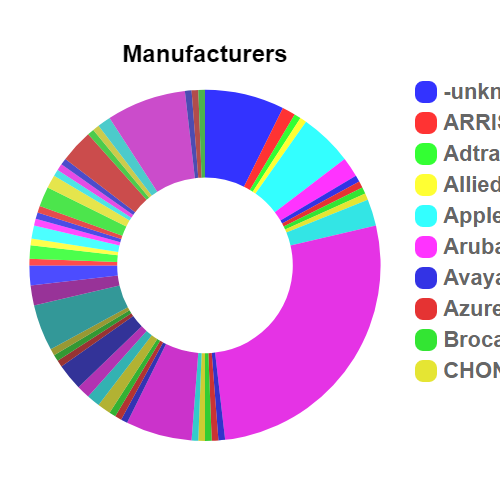
- Phone manufacturer.
- The switch port to which the phone is connected, plus utilization and error statistics for that port.
- Phone IP address (when available from the switch).
Call Path Analysis
Launch Interactive Demo
Call Path Analysis
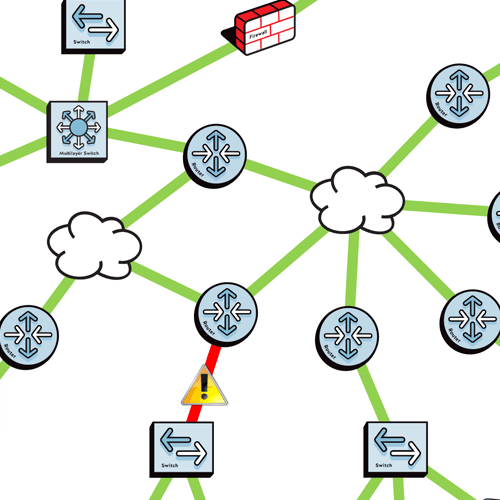
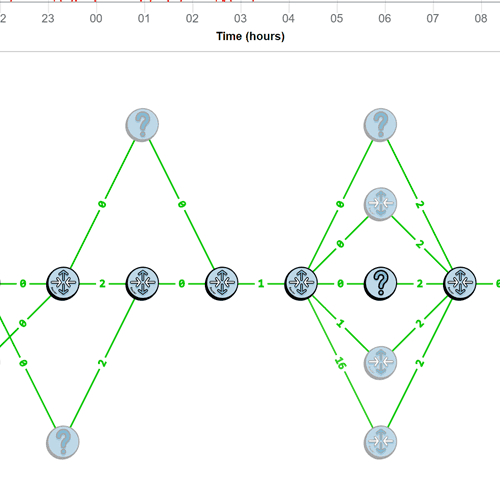
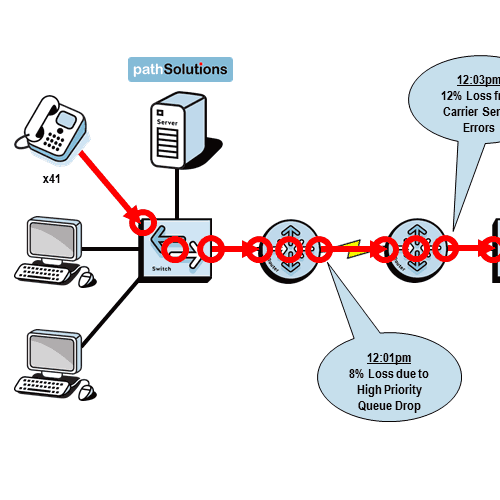
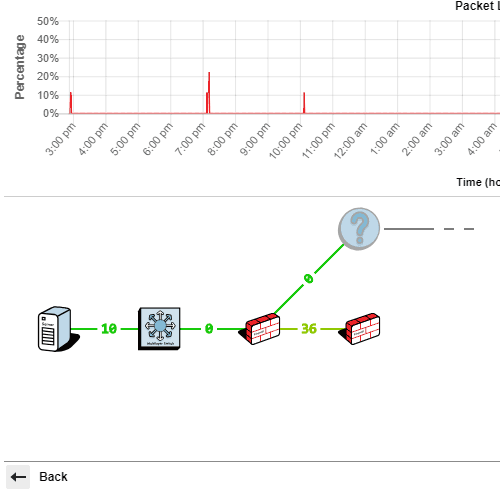
Now you can actually see the status of an entire call path in one view – in real time. With our Call Path tool, you'll be solving VoIP-related issues in half the time. You'll be able to analyze what's going on as the call is happening through immediate display of:
- All devices in the call path.
- All links in the call path -- including all layer-2 links.
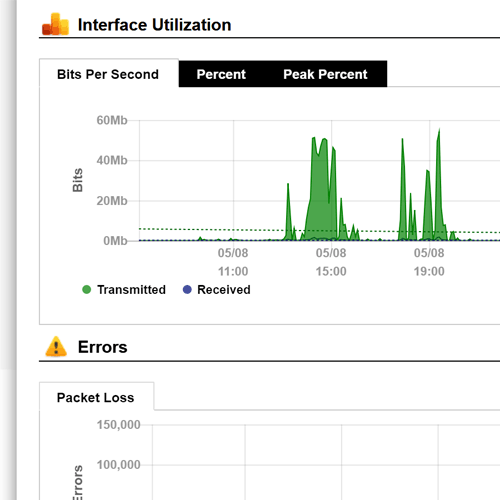
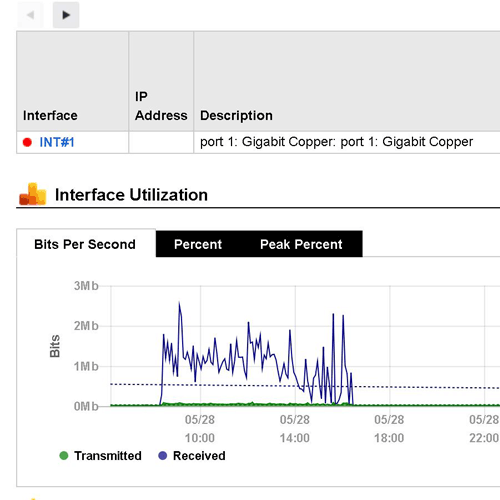
- A graphical display for each link, showing link utilization and error rates over the past 24 hours. And for links passing through Cisco routers, you'll even see the link's queuing configuration.
Call Path Current Utilization
Launch Interactive Demo
Current Utilization of a Call Path
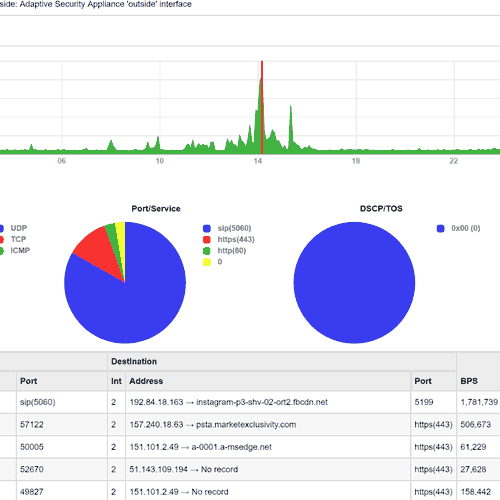
The Call Path tool also gives you current utilization of every link in a call path:
You'll be able to watch how the network behaves and analyze potential problems while a call is in progress. The data you need to resolve intermittent call quality issues is at your fingertips.
Data on Jitter, Latency, Packet Loss, and MOS
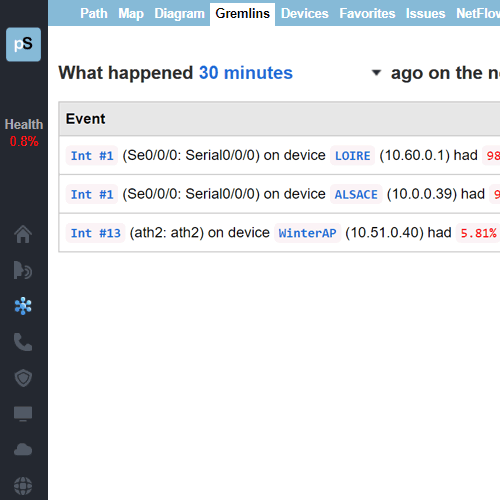
PathSolutions VoIP Monitor provides detailed information on jitter, latency, packet loss, and MOS for every monitored device. This information is available in a historical format so it's easy to determine when problems occurred and drill down to discover why they occurred.
Call Simulator
Zoom In
Call Simulator
Want to simulate a number of VoIP calls from one location to another? The included Call Simulator tracks latency, jitter, and packet loss along with MOS for any number of calls to any location on the network. Remote agents are not required to be deployed -- just the one simulator. If an anamoly is discovered, it's easy to drop into VoIP Monitor to locate the specific link and exact cause of the anamoly.
An Easy Upgrade
Already a PathSolutions customer? You can add VoIP Monitor functionality quickly and easily – with no configuration required. Just contact us and we'll add the license to your existing product.

Learn more...
Customers
Learn more
Testimonials
"With statistical information gathered from PathSolutions Network Monitor, we have been able to identify weak points in our infrastructure and justify expenditures necessary to eliminate those weak points."

Parsram Rajaram
IT Manager
City of Winter Park, Florida