






AIOps for Network Troubleshooting

AI Is Only as Smart as the Network Data It Sees

Most AIOps platforms promise faster troubleshooting, fewer alerts, and smarter operations. But there is a problem: many of them are trying to make decisions from incomplete network data.

That leads to incomplete, vague, or wrong answers.

Pathsolutions TotalView AI takes a different approach.

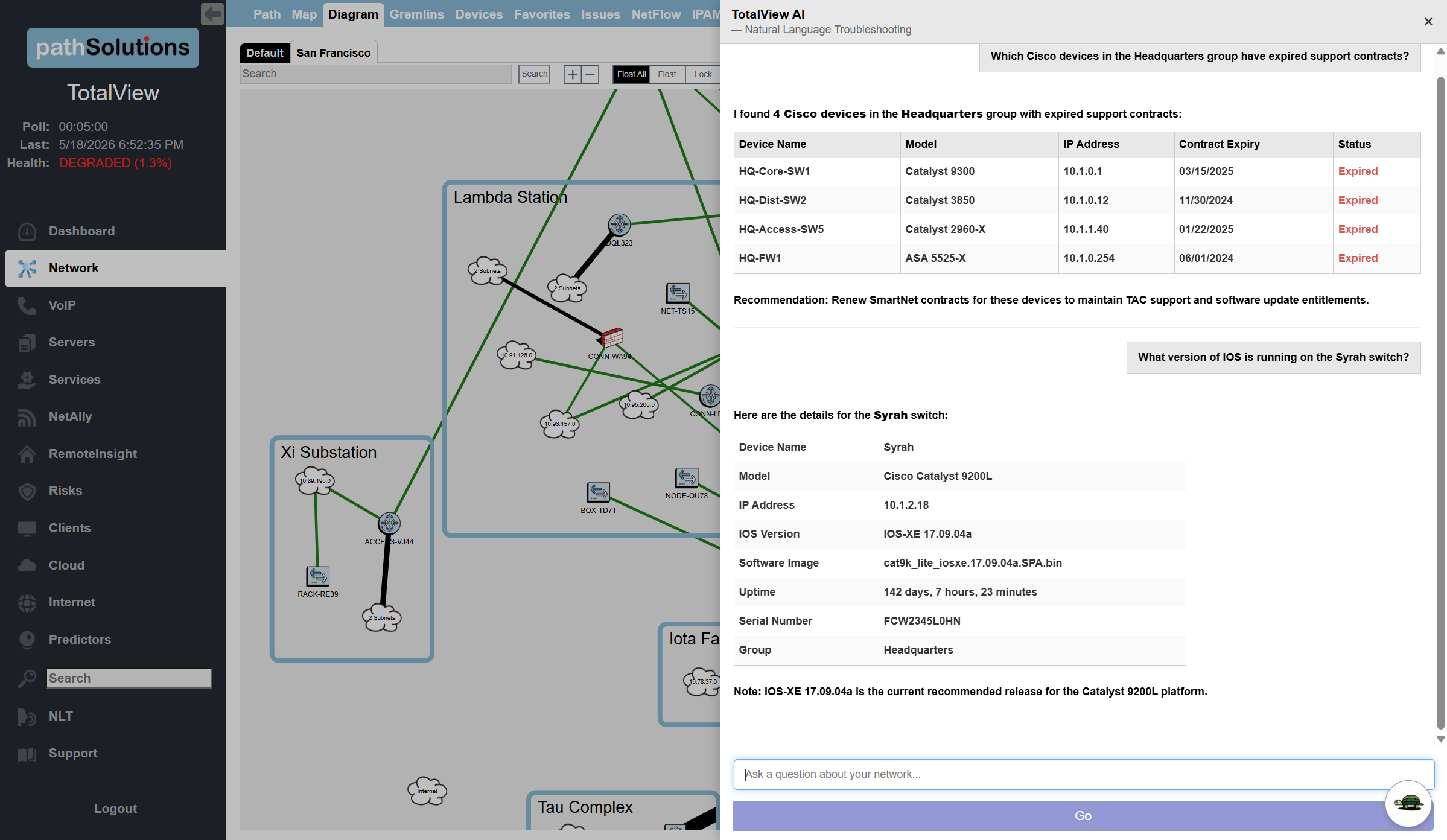
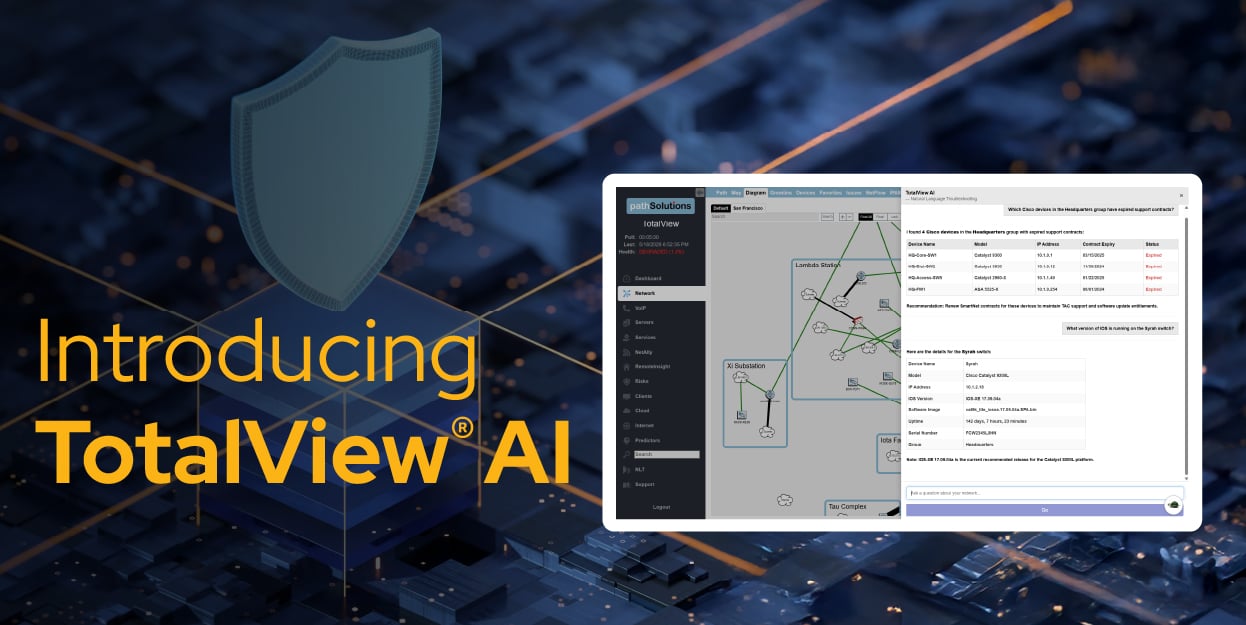
Instead of layering AI on top of limited telemetry, TotalView® starts with deep network visibility, built-in correlation, and root-cause analysis — giving AI the complete context it needs to deliver answers NetOps teams can trust.

And because these capabilities are built directly into TotalView, there are no separate AI modules, add-ons, or additional licensing required.

Trusted by IT Professionals at Leading Organizations

The Problem with Traditional AIOps

AIOps tools are often built to detect anomalies, reduce alert noise, and find patterns across large volumes of data.

That sounds useful — but detection only happens if the right metrics are evaluated.
Otherwise, the system will report “Everything is healthy”.

Additionally, detection is not diagnosis.

When an AIOps platform lacks detailed network context, it may know that something is wrong,
but not why it is happening. It may identify symptoms, but miss the root cause.

Common gaps include:

  • Limited SNMP depth
  • Missing interface-level detail
  • Weak topology awareness
  • No configuration context
  • Limited routing visibility
  • Poor correlation across devices, paths, and services
  • Black-box recommendations that are hard to trust

The result is familiar: more dashboards, more alerts, and more work for engineers.


TotalView AI Starts with Complete Network Awareness
TotalView AI

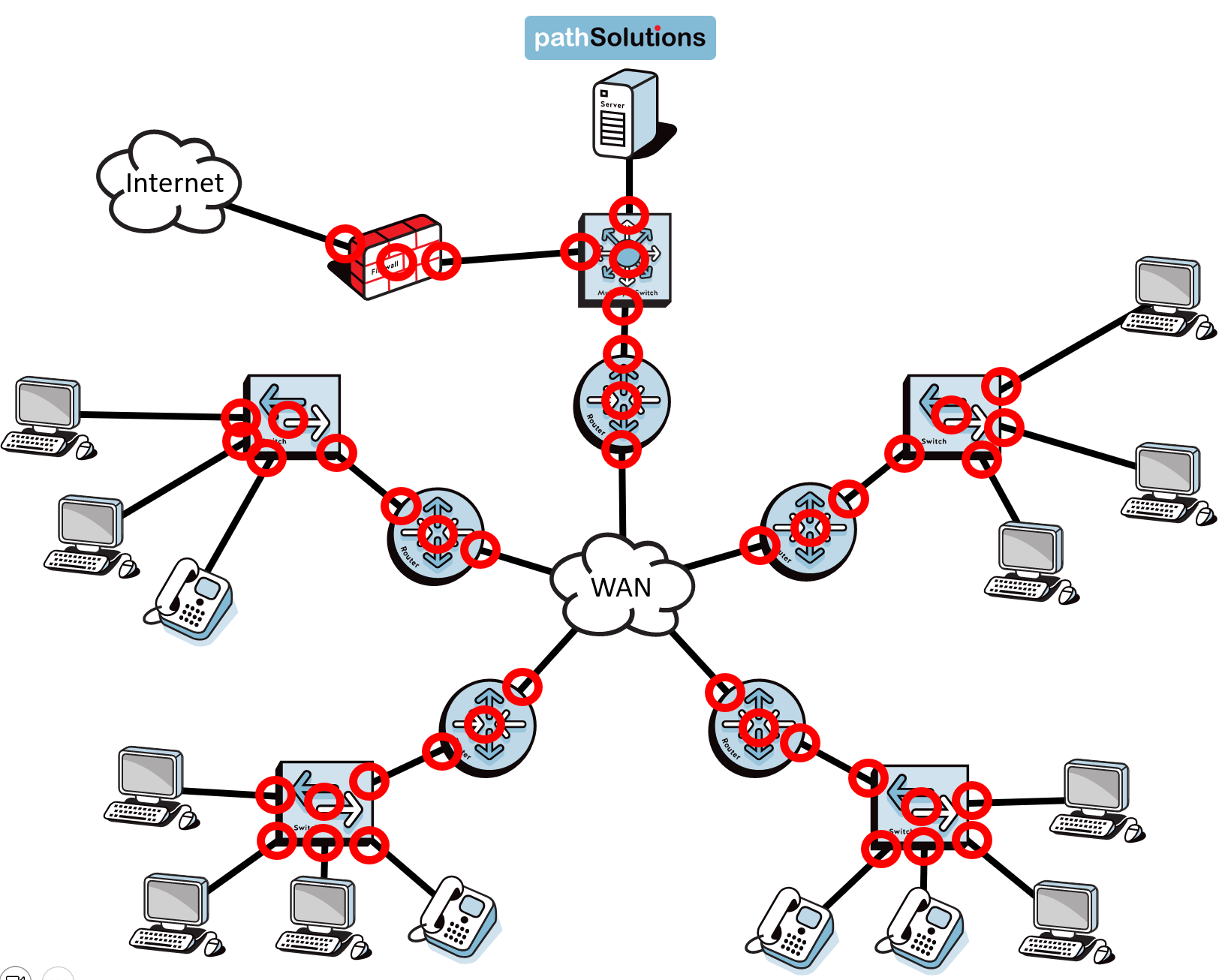
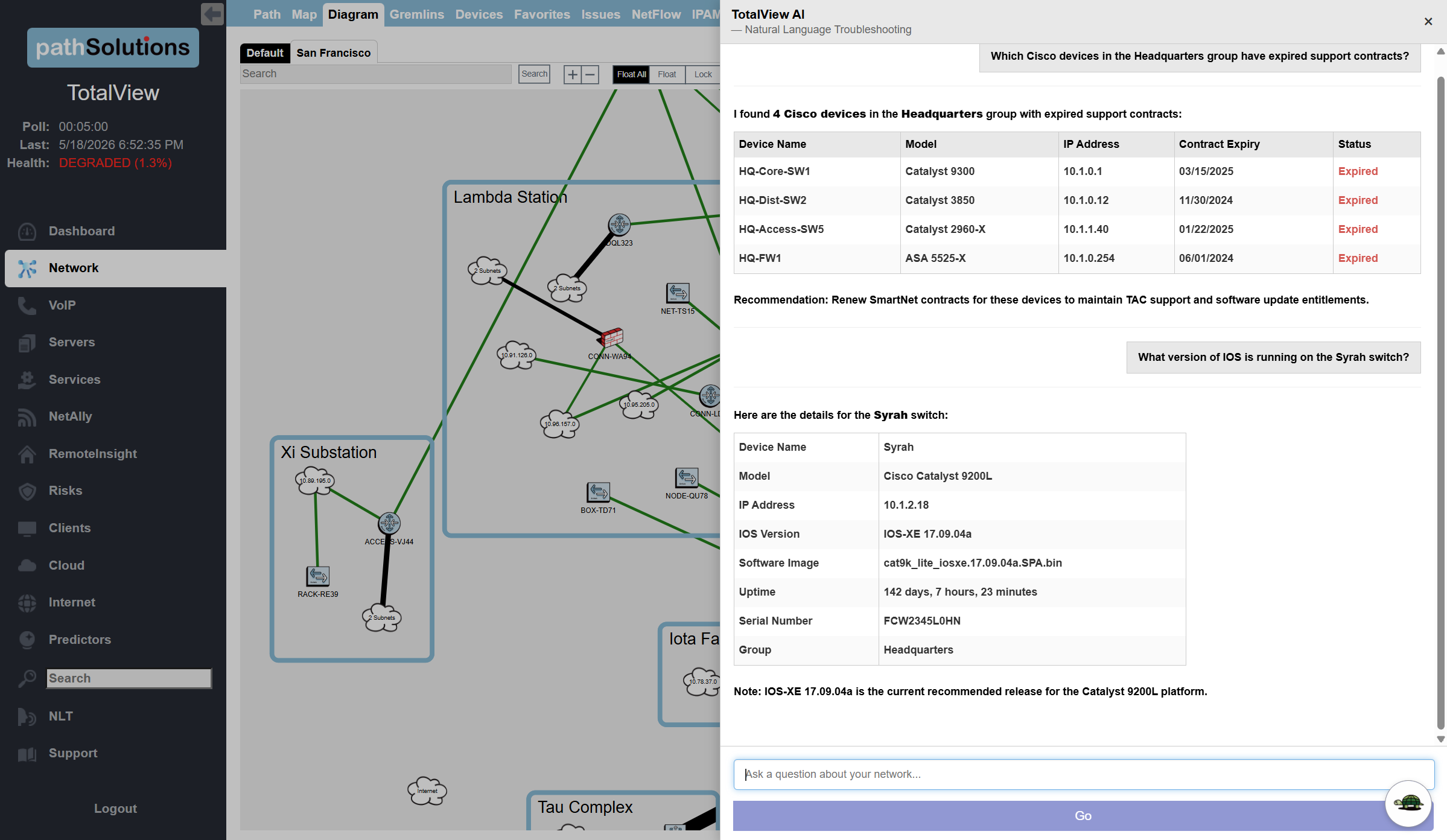
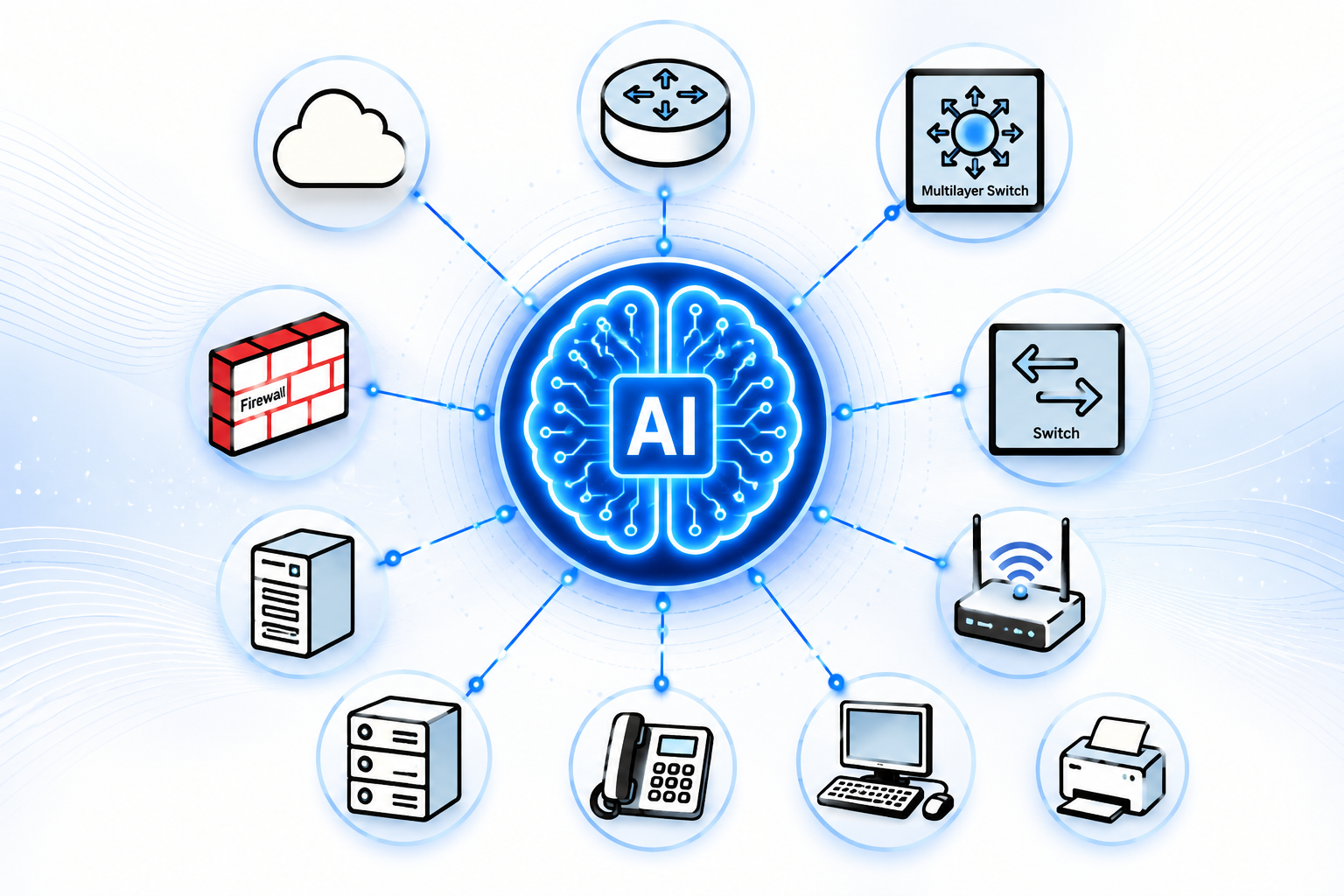
TotalView gives AI the information most tools are missing. It collects, correlates, and interprets the network data needed to understand what is really happening across the environment.

That includes:

  • Device health
  • 19 Interface error counters
  • Bandwidth and utilization
  • Flow behavior
  • Routing and path awareness
  • Configuration details
  • VLANs, ports, and switch relationships
  • Voice, video, QoS, and application-impacting conditions
  • Historical behavior and performance trends

This matters because AI cannot troubleshoot what it cannot see.


AI Needs Complete Network Context

AI without complete operational data becomes a summarization engine. AI with full network state becomes a troubleshooting engine.

TotalView combines deep network visibility, correlation, and AI-powered analysis to deliver faster answers and clearer root-cause insight.

Schedule a live demo or technical walkthrough to see TotalView in action.

 

From Alert Detection to Root-Cause Answers

Many tools tell you:

“Something changed.”
“Something is unusual.”
“Something might be wrong.”


TotalView is designed to tell you:

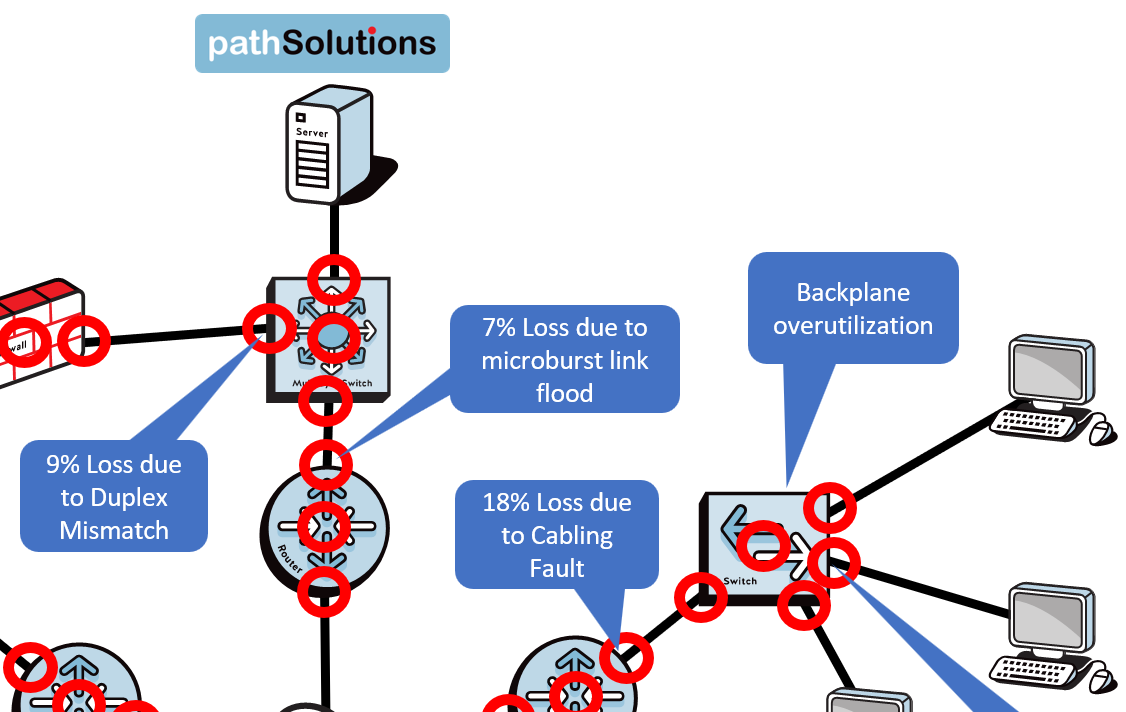
“Here is what is wrong, where it is happening, why it is happening, and what to do next.”
That is the difference between alerting and troubleshooting.
Why TotalView AI is Different

NetOps Image


Complete Data Before AI

AIOps is only valuable when the underlying data is complete and trustworthy.

TotalView AI was built to understand networks at a deeper level than traditional monitoring tools. That gives its AI and analysis engine more context, more evidence, and better conclusions.

Incomplete data delivers incomplete answers.

TotalView AI


Built for NetOps, Not Generic IT


Many AIOps platforms were designed around cloud, applications, logs, or general IT event management.

TotalView is purpose-built for network operations.

It understands the things NetOps teams actually troubleshoot:
  • Interface errors
  • Congestion
  • Packet loss
  • Cabling & Physical layer issues
  • Device health
  • Routing issues
  • Device configurations
  • Duplex mismatches
  • Switch port problems
  • WAN and LAN performance
  • VoIP quality & Queueing
  • Path and topology relationships
That network-specific intelligence is what turns AI from a buzzword into an operational advantage.


TotalNetworkVisibility


Correlation That Explains the Problem


AIOps should not just group alerts together. It should explain what they mean.

TotalView correlates network conditions across devices, interfaces, paths, and services to identify the real source of the issue.

Instead of forcing engineers to manually connect the dots, TotalView does the analysis for them.
PlainEnglishResolutions


Plain-English Troubleshooting Guidance

Network teams do not need more mystery—they need clear answers.

TotalView provides actionable explanations that help junior engineers operate more like senior engineers, reducing escalations and speeding up resolution.

The TotalView Advantage

Traditional AI

Detects anomalies
Reduces alert noise
Uses partial telemetry
Often black-box
Built for broad IT operations
Tells you something changed
Often requires additional licensing or modules

TotalView AI

Identifies root cause
Explains what is wrong
Uses deep network visibility
Provides clear, actionable guidance
Built for NetOps troubleshooting
Tells you what happened and why
Included as part of the TotalView platform

Use Cases

icons-benefits-time-bl

Faster Root-Cause Analysis

Quickly identify whether an issue is caused by congestion, errors, device health, routing, configuration, or another network condition.

icon-lightbulb-blue

Fewer Escalations

Give junior NetOps staff clear guidance so they can resolve more issues without waiting for senior engineers.

icon-dailyhealth-blue

Better Alert Prioritization

Understand which issues matter, which are symptoms, and which are the actual cause.

icon-crystalball

Improved Network Reliability

Find developing problems before they become outages.

icons-benefits-magnifier-bl

Smarter AI Results

Give AI the complete network data it needs to provide useful, trustworthy answers.

See What AIOps Looks Like When It Has Complete Network Data

Schedule a TotalView demo and see how PathSolutions turns network visibility, correlation, and AI-powered analysis into real troubleshooting answers—without requiring separate AI products or add-on licensing.