

Network Monitoring Tools and Troubleshooting with TotalView

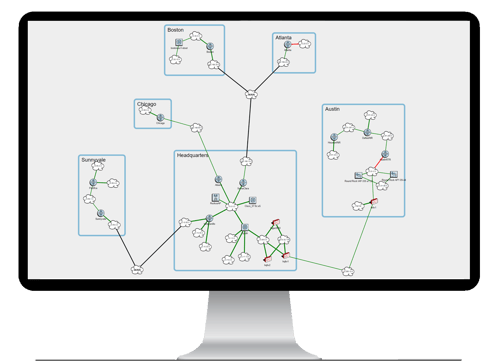
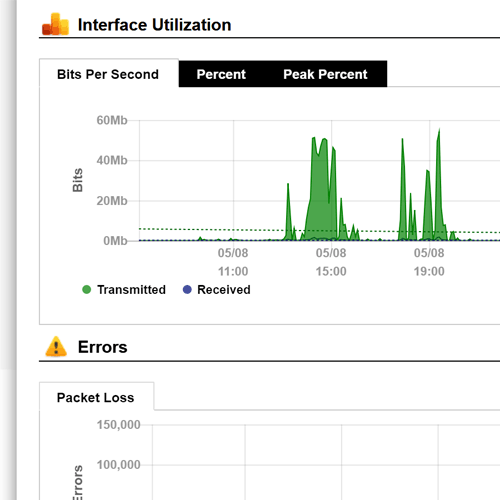
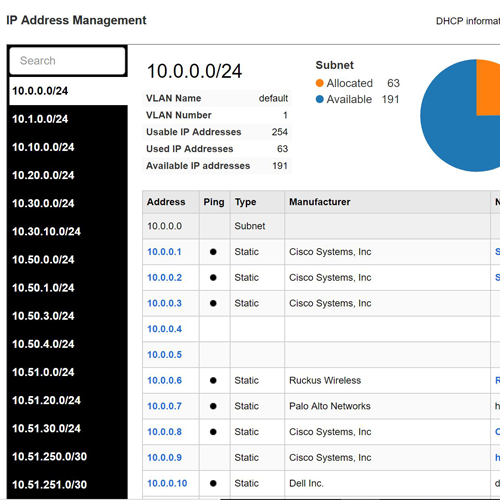
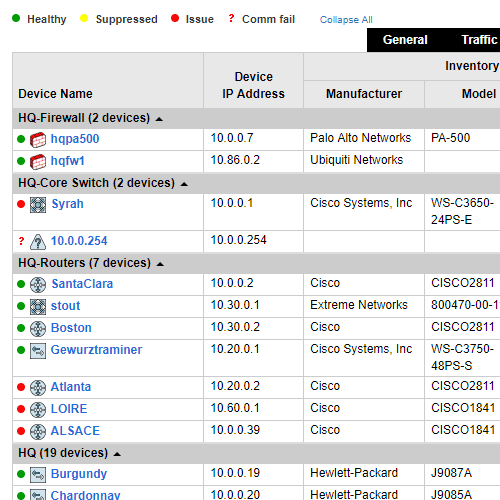
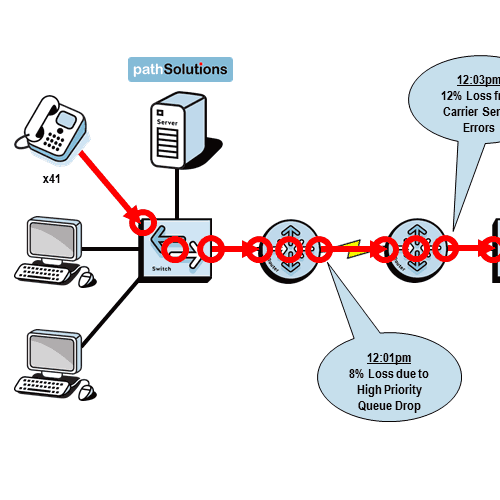
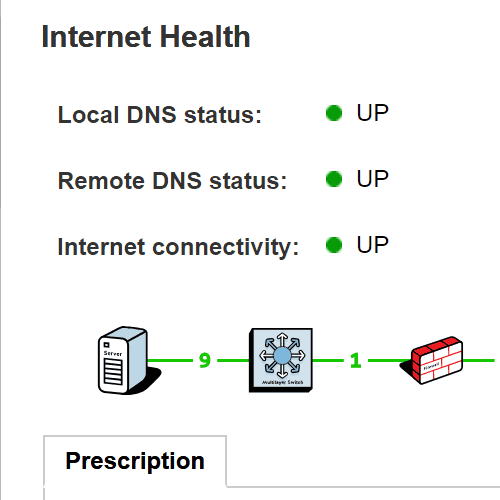
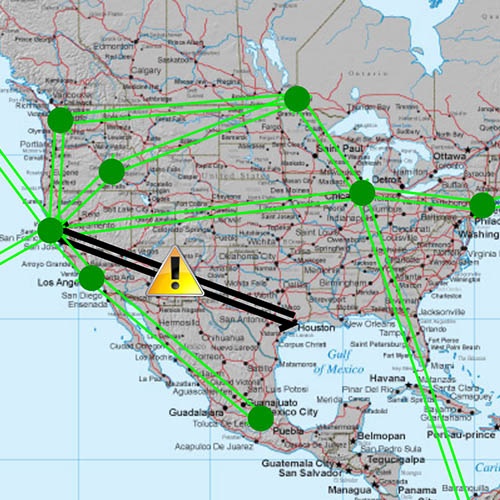
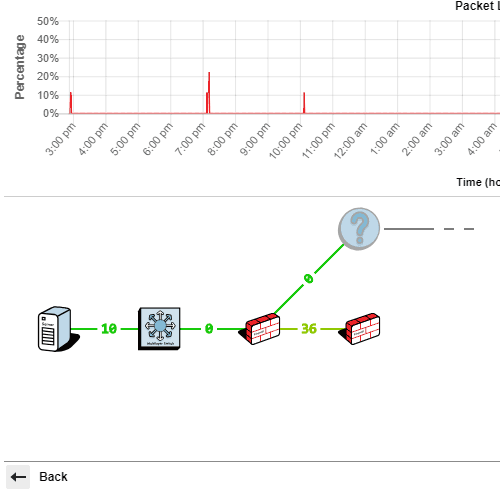
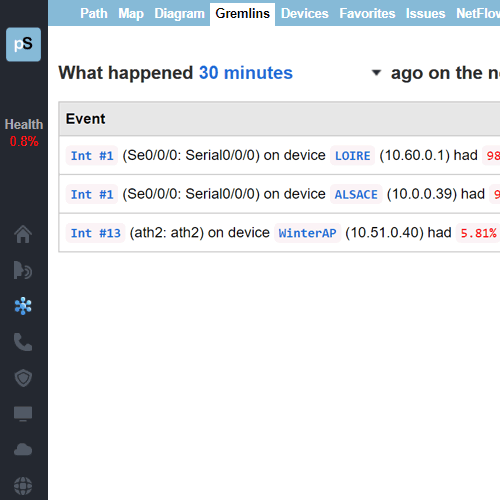
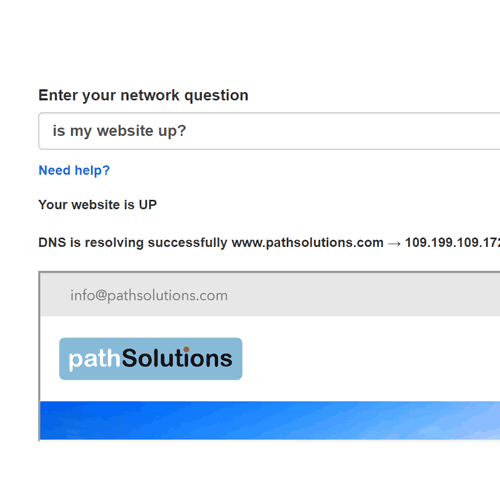
TotalView® bridges the gap between network monitoring and troubleshooting, telling you exactly when, where and why your problem occurred in a matter of minutes.

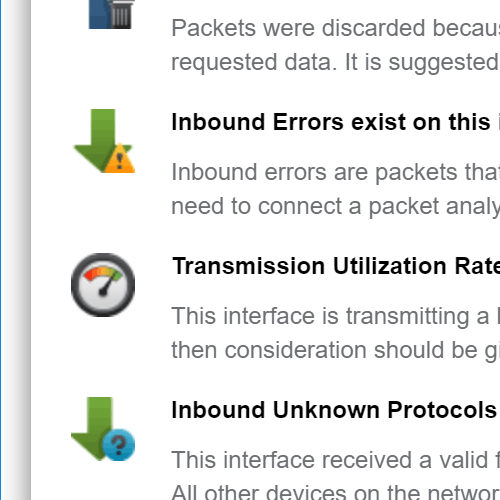
  • Automated network monitoring & troubleshooting software that quickly performs root-cause analysis (RCA) on network problems in plain English.


View the list features that are included in the core TotalView® package.


TotalView Features

All of these features are included in the core TotalView® package. View features in list format.

Why Choose TotalView for Network Troubleshooting?

TotalView® bridges the gap between network monitoring and troubleshooting, telling you exactly when, where and why your problem occurred in a matter of minutes.

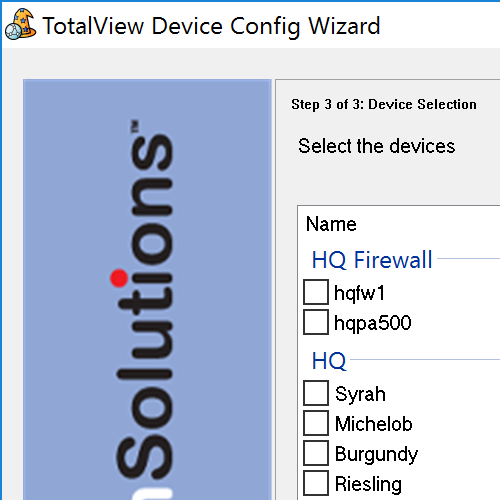
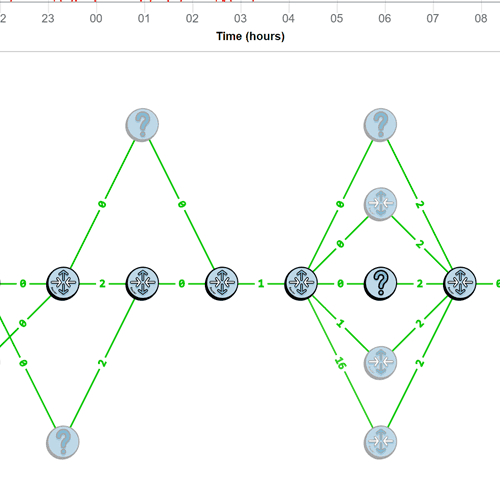
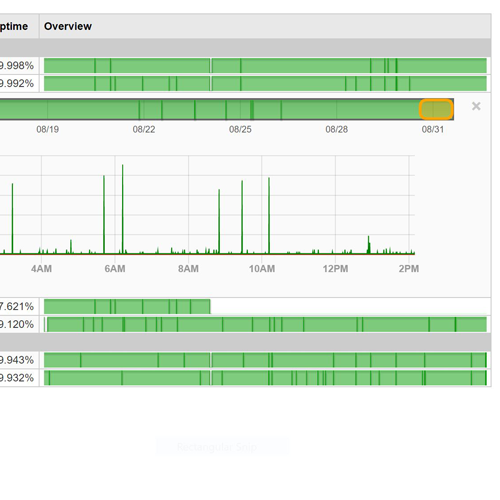
Schedule Overview

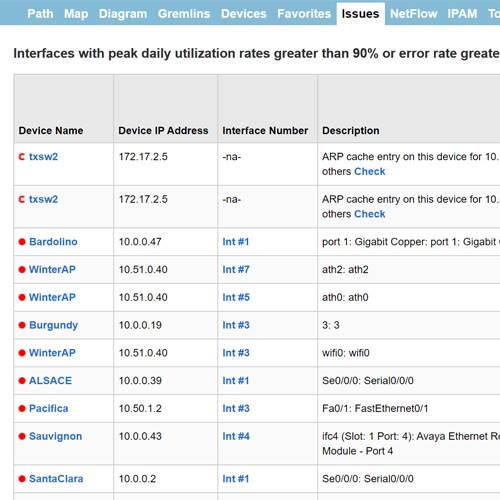
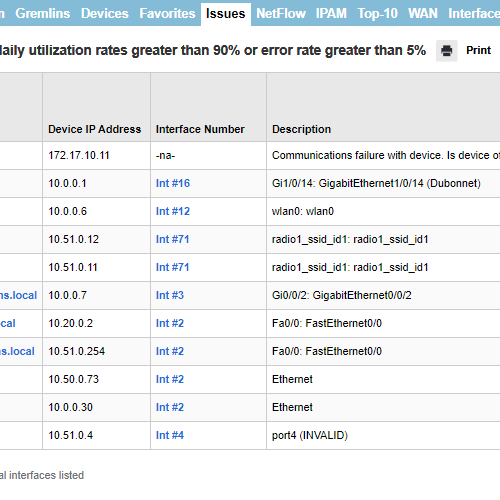
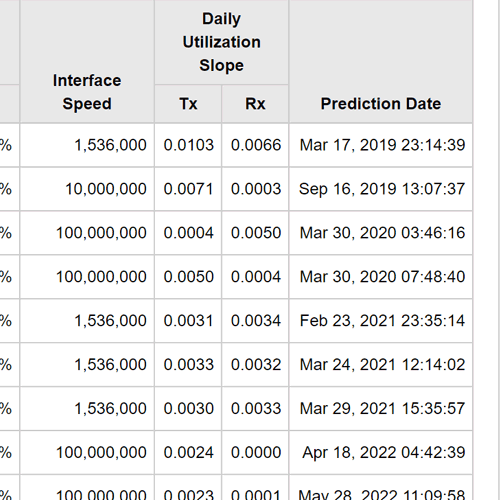
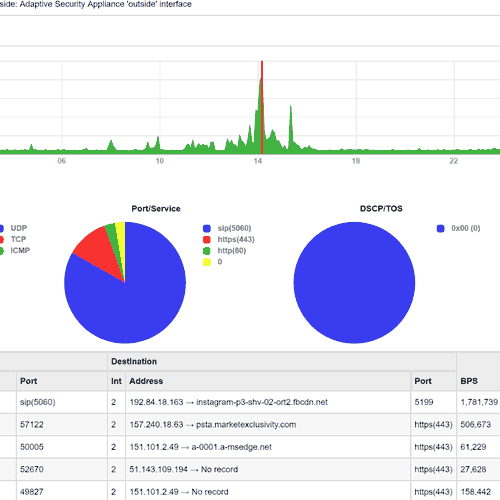
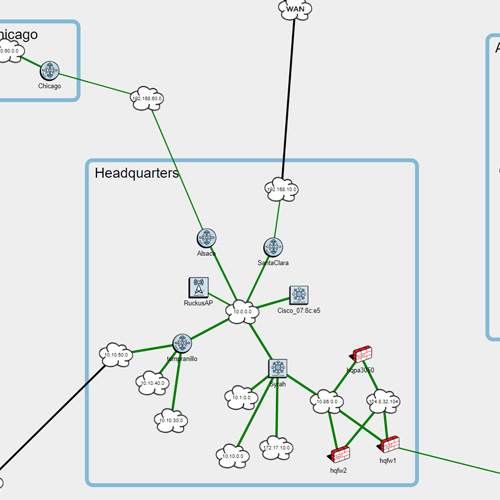
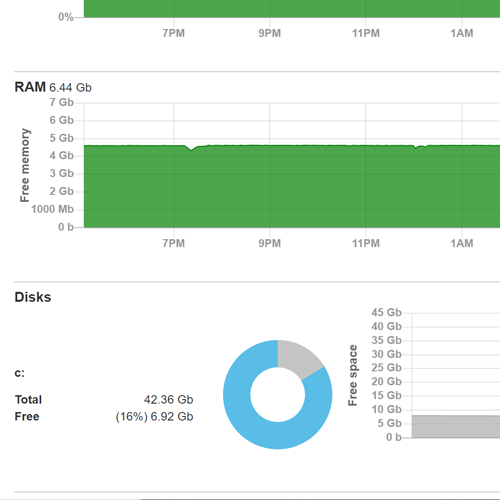
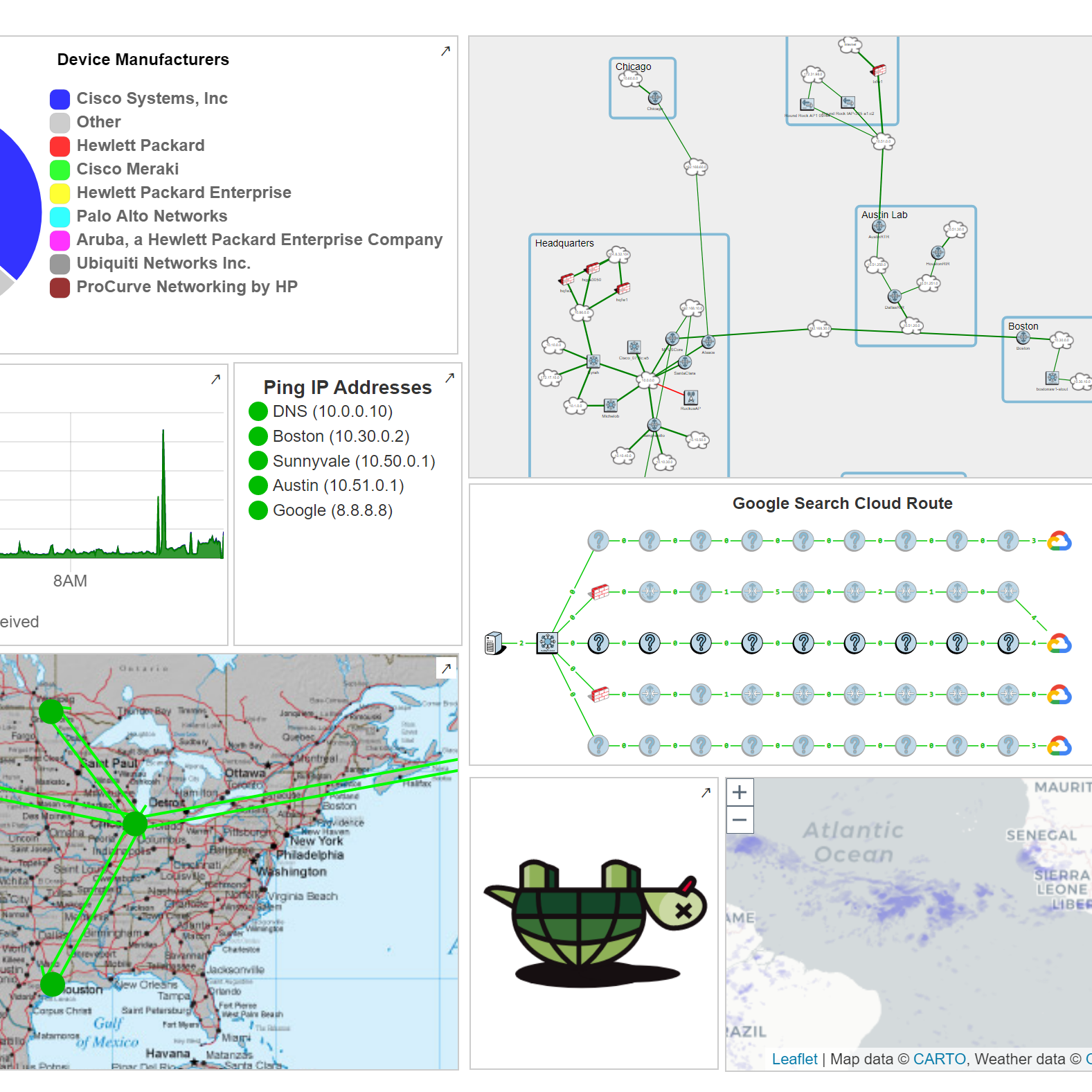
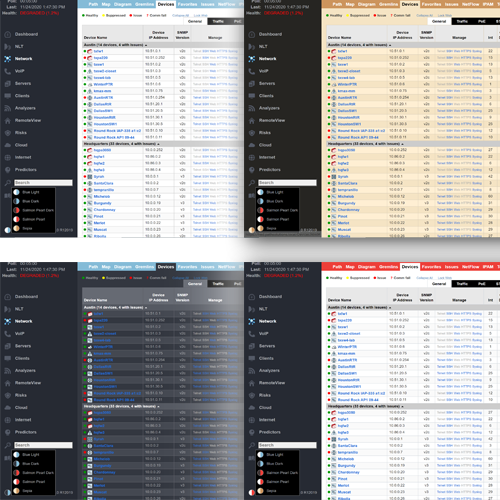
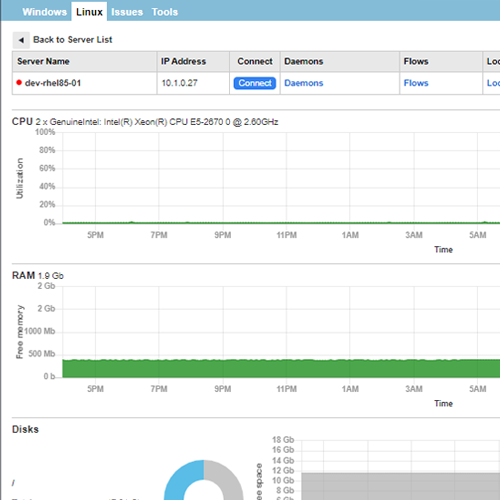
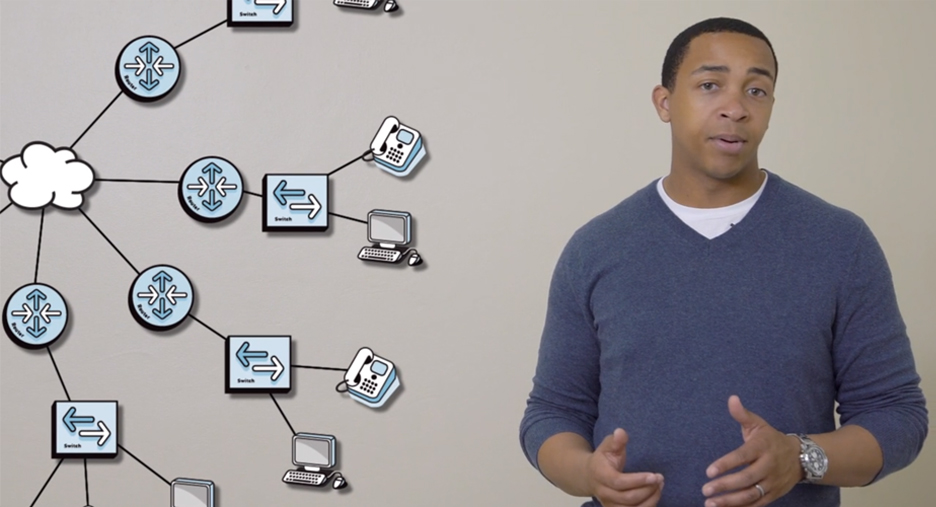
Network Monitoring Overview

Network Monitoring Overview

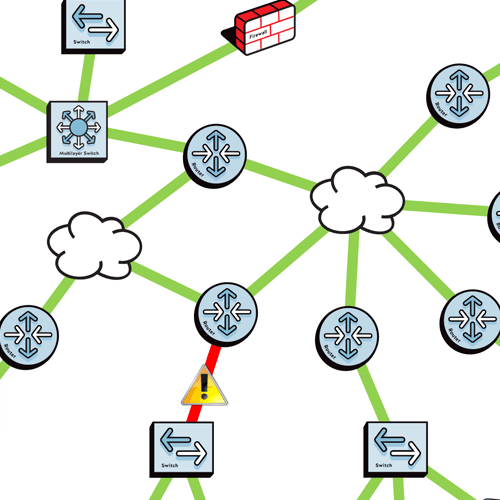
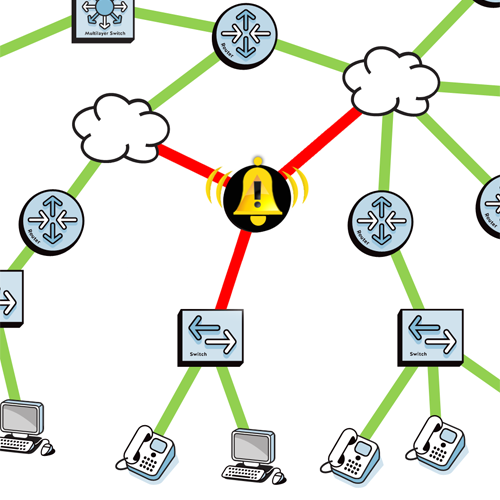
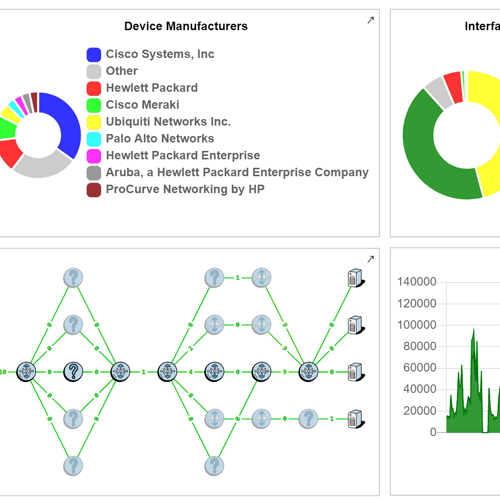
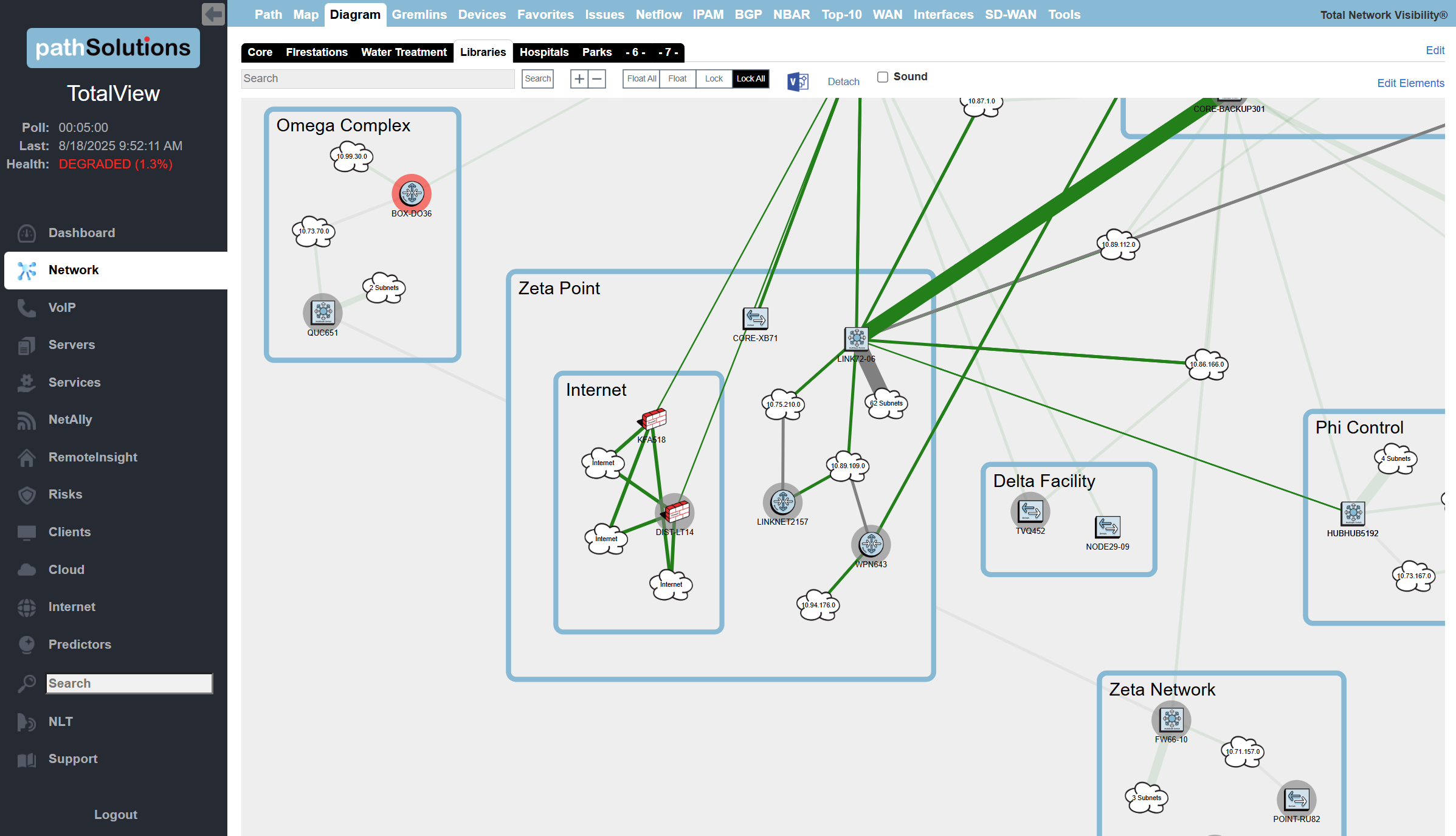
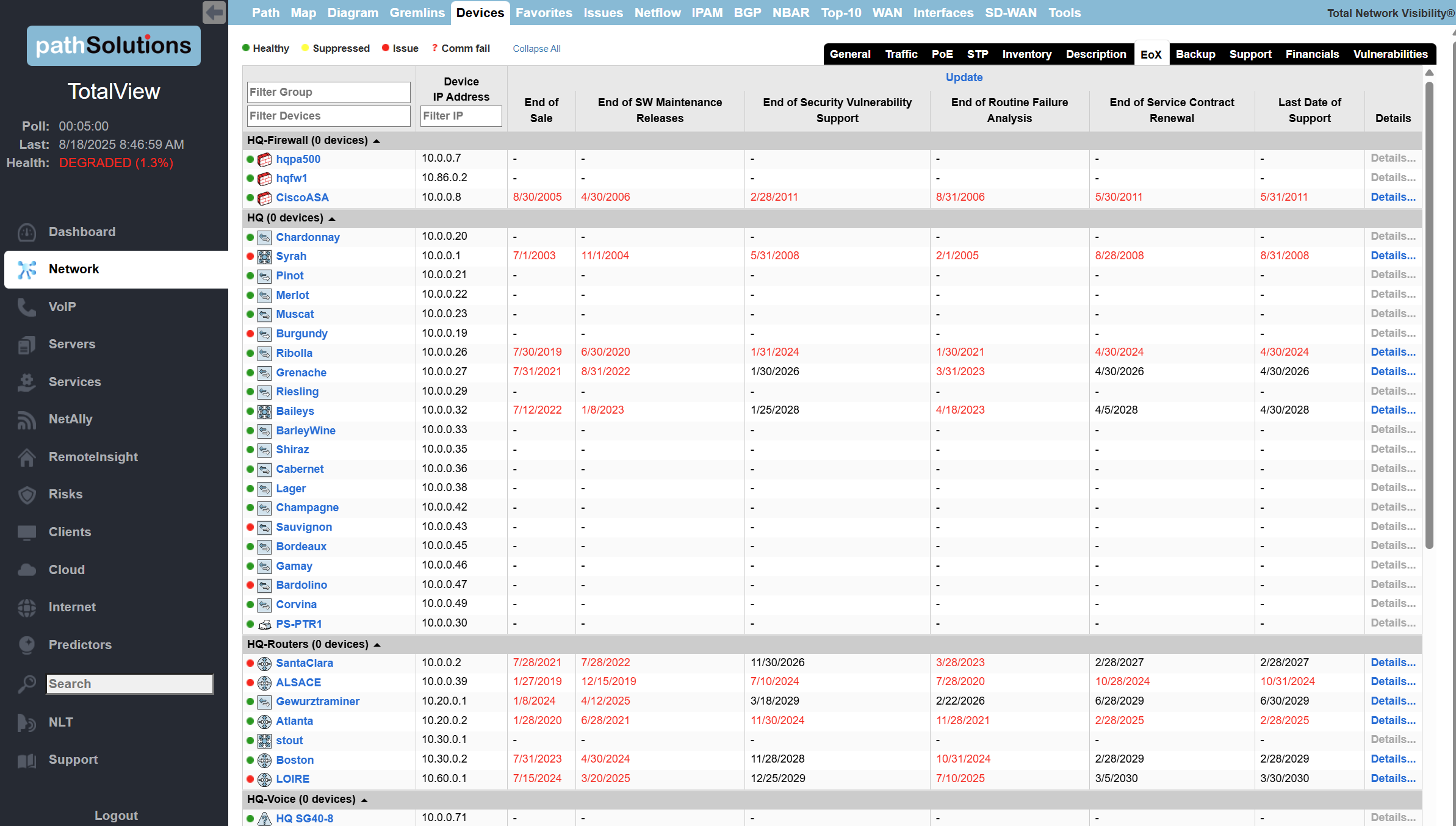
TotalView® identifies the root-cause of network issues anywhere on your network.

icon-checkmark-no-circle

Developed and built with thoughtful engineering.

icon-checkmark-no-circle

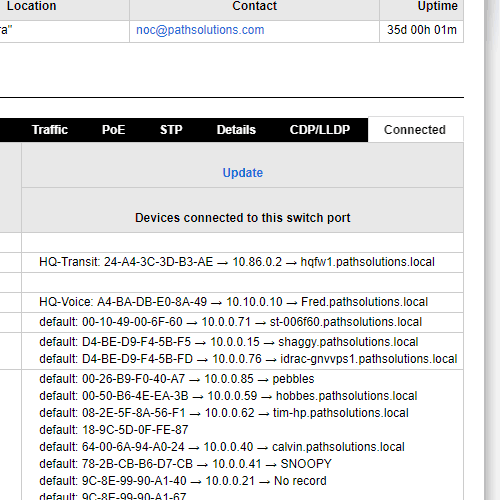
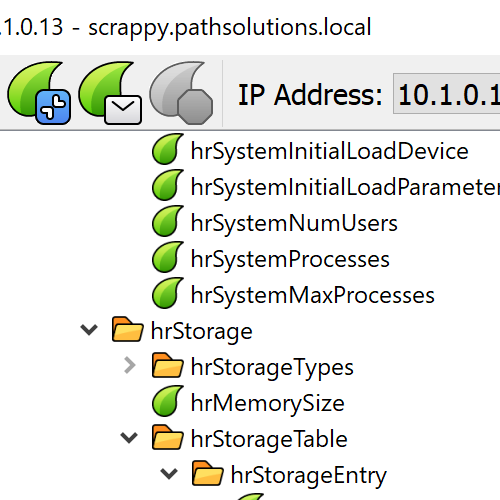
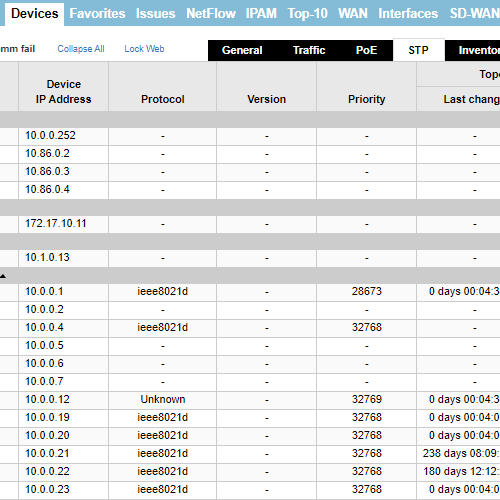
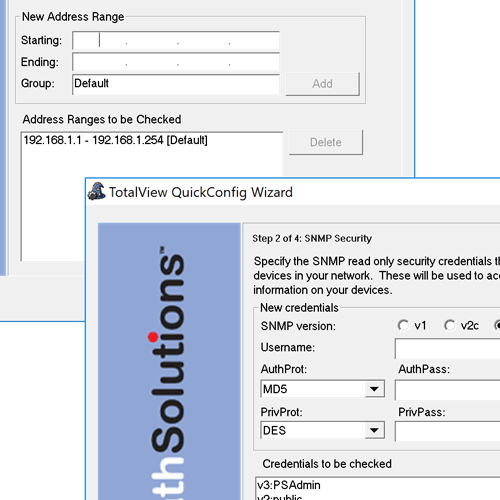
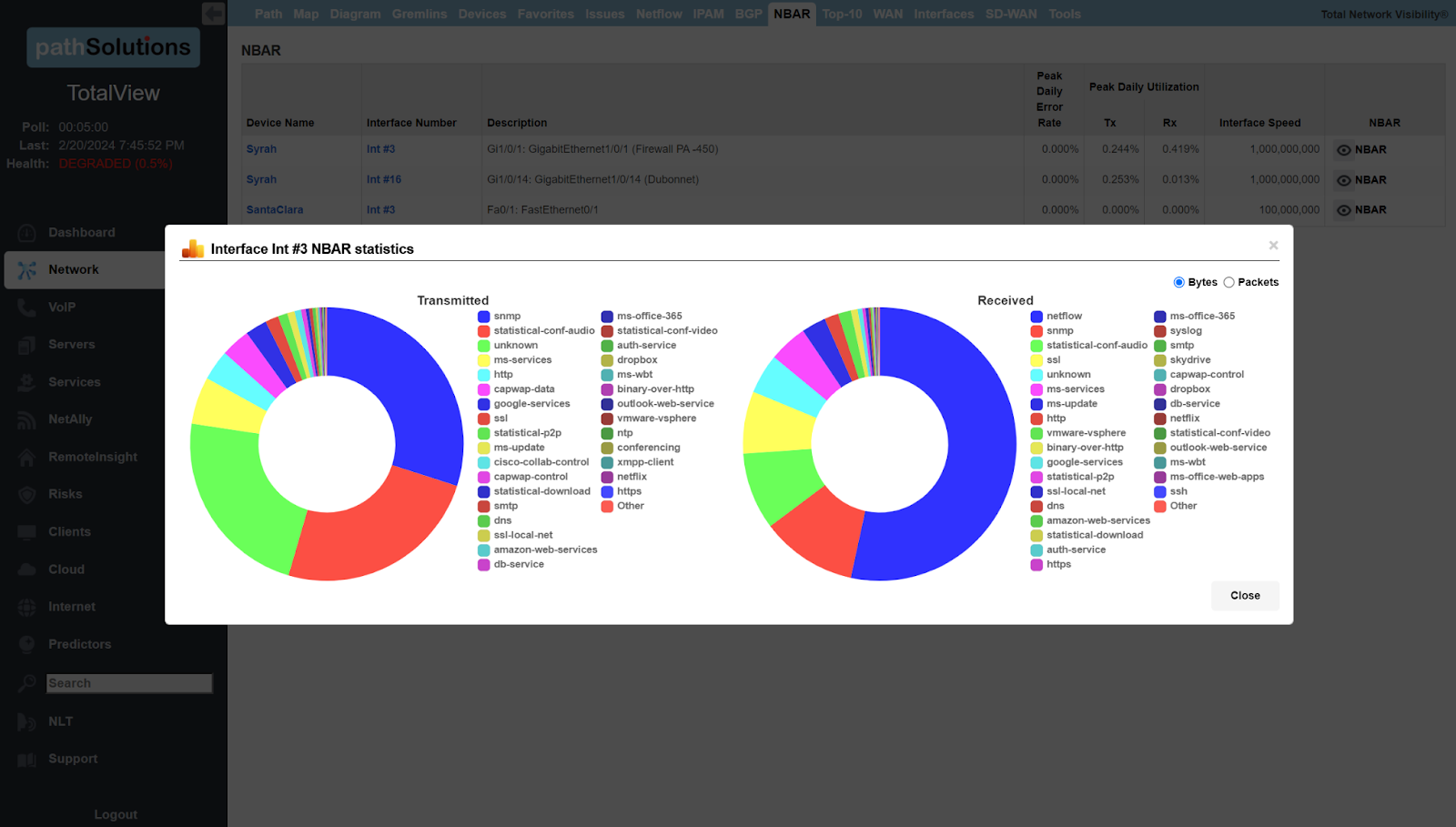
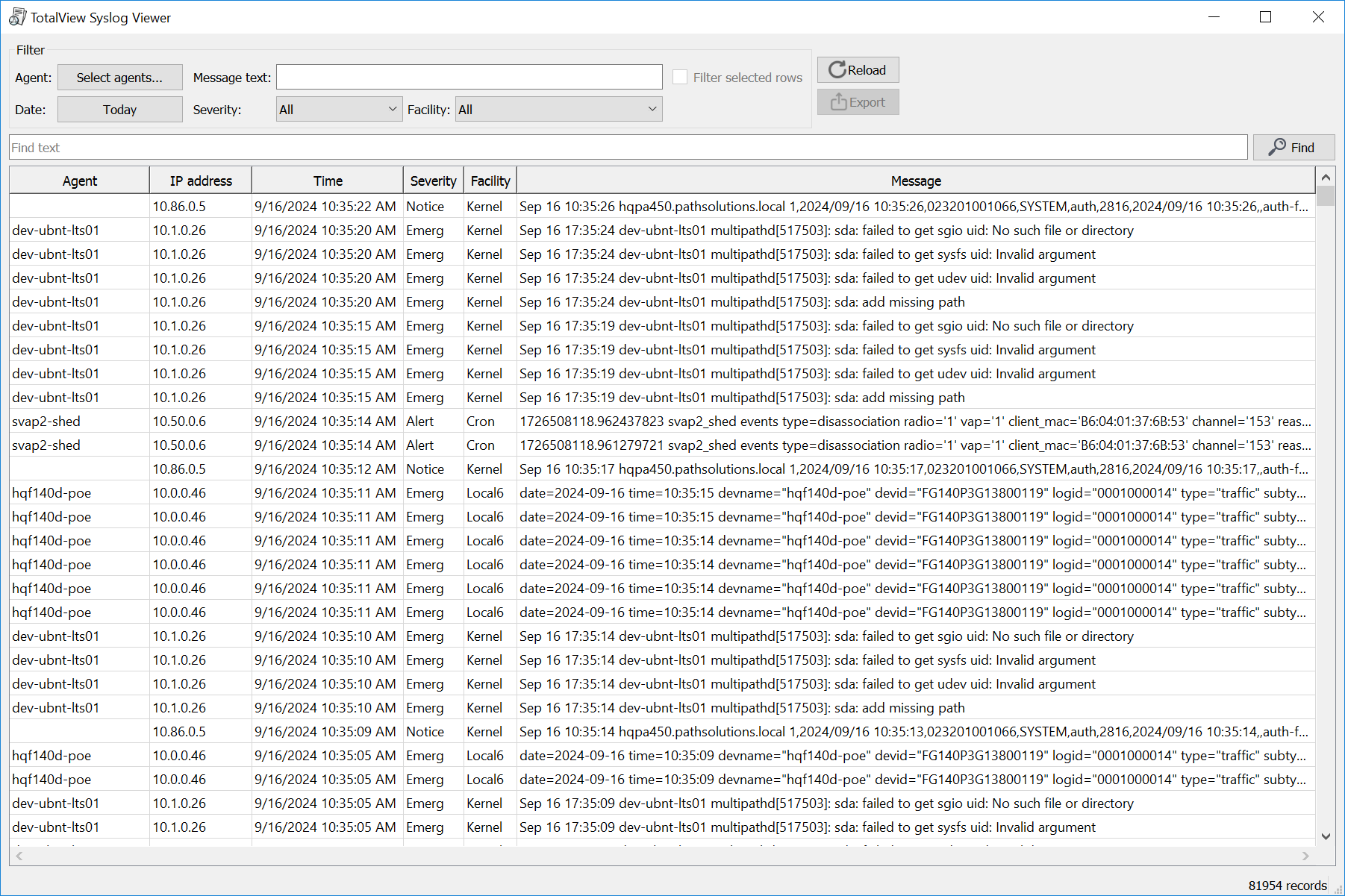
Monitors and evaluates all SNMP, NetFlows, Syslogs and WMI.

icon-checkmark-no-circle

API integration is designed into the front and back ends of the product:

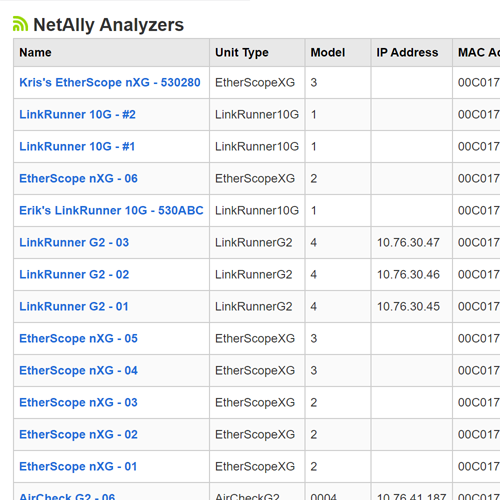
Restful JSON front end, SQLite database, NetAlly integration and PaloAlto integration

Network Monitoring FAQs

How To Monitor Internet Traffic On Network
To monitor internet traffic on a network, use network monitoring software or built-in router tools to analyze data usage and track connections. Packet sniffing and flow analysis techniques can provide deeper insights into traffic patterns, while logging and alert systems help detect unusual activity in real time.
Which Protocol Can Be Used To Monitor The Network
Protocols used to monitor a network include SNMP (Simple Network Management Protocol) for device monitoring, NetFlow for traffic analysis, and ICMP (Internet Control Message Protocol) for connectivity checks. These protocols help collect data on performance, traffic flow, and network health in real time.
How Does Network Bandwidth Monitoring Impact Business
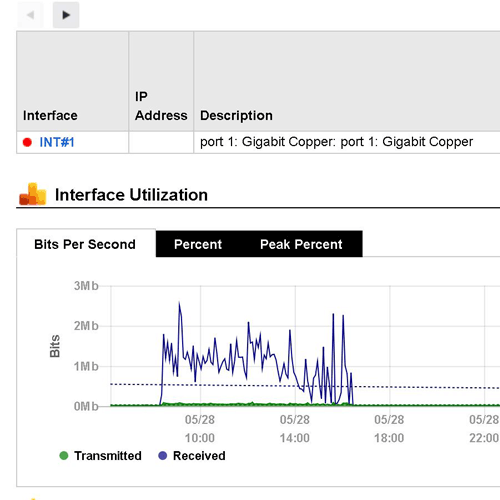
Network bandwidth monitoring helps businesses optimize performance, prevent bottlenecks, and reduce downtime by identifying heavy traffic sources and potential issues. It also improves security by detecting unusual activity, enhances productivity by ensuring critical applications run smoothly, and supports cost management by preventing overuse of bandwidth resources.
What Are The 4 Categories Of Network Monitoring
The four main categories of network monitoring are: 
  • Performance Monitoring: Tracks the performance of devices, applications, and services.
  • Availability Monitoring: Ensures network devices and services are up and running.
  • Security Monitoring: Identifies potential security threats and unauthorized access.
  • Configuration Monitoring: Monitors changes to network configurations to ensure security and compliance

What Are The Benefits Of Network Monitoring
Network monitoring enhances performance by ensuring optimal speed, uptime, and efficiency while quickly identifying and resolving issues. It improves security by detecting threats and unauthorized access, reducing downtime with real-time alerts and fault detection. Additionally, it optimizes resource management, lowers costs, and supports compliance through activity tracking and reporting.

Interested in learning more?