


The checkout is failing, but the network dashboard is green. An all-hands situation that becomes even trickier when a business can’t quite figure out who’s responsible for the fix.
But what would the network team see if it looked at the same transaction as the app team?
That’s a driving question behind our new integration with Apica. When Apica Vanguard detects a failed or slow transaction, it sends the source and destination IP addresses to PathSolutions TotalView, which uses them to examine the route the request took. The network investigation can begin with the checkout failure itself.
Using TotalView and Vanguard in tandem, help desk personnel see the application check alongside TotalView’s network findings. If a bad cable on port 5 turns up along the route, the network team can pick up the ticket knowing where to look and why the issue came to them. By removing manual legwork from a business-critical response, companies can keep one failure from turning into two or more disjointed goose chases.
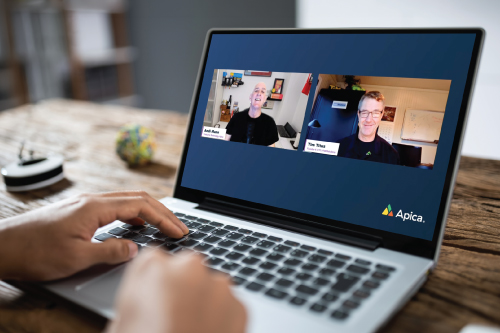
On December 7, 2026, join Apica Chief Product and Technology Officer Andi Mann and PathSolutions founder and CTO Tim Titus for Rule It In, Rule It Out: Ending the app-vs-network blame game. They’ll run through a failed check live so you can see how both tools investigate the same transaction and what the help desk has in hand when it makes the next call.